
Back to Blog
TechnologyMay 14, 202610 min read

CAD/CAM digital workflow in orthodontics: from intraoral scanning to aligner fabrication

Scan protocols, STL/OBJ/3MF file formats, stitching algorithms, 3D simulation, thermoforming and 3D printing: complete mastery of the digital workflow for certified aligner production.

CAD/CAM digital workflow in orthodontics: from intraoral scanning to aligner fabrication

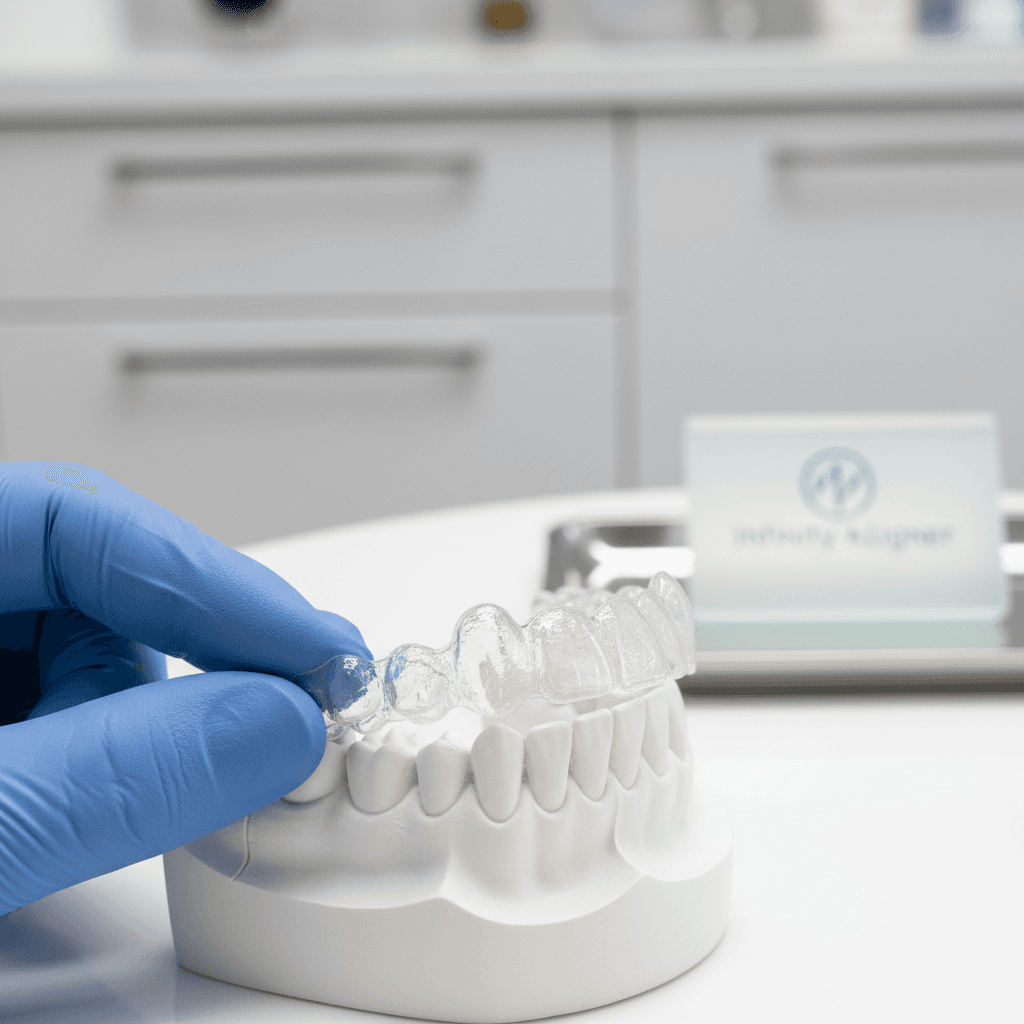
The production of a precision clear aligner involves a continuous digital chain, from capturing dental morphology to delivering the final tray. Each link in this chain introduces technical parameters that condition the quality of the finished product. This article describes and analyses the entirety of this workflow for practitioners and dental professionals involved in the prescription and fabrication of aligners.

1. Intraoral scanning protocols: optimising acquisition

Scan quality does not depend solely on hardware — the operational protocol is decisive. For a complete orthodontic scan (maxillary + mandibular arch + occlusion), recommended best practices are:

  • Occlusal-lingual-buccal (OLB) scanning sequence: begin with occlusal surfaces that provide the maximum geometric references for the stitching algorithm, then complete with lingual and buccal faces.
  • Probe movement speed: 5 to 15 mm/s depending on the system. Too fast generates under-coverage zones; too slow creates redundant data that burdens processing.
  • Overlap between segments: 20 to 30% superposition between each consecutive image is required for the ICP (Iterative Closest Point) to converge correctly.
  • Moisture management: saliva and gingival bleeding create surface artefacts by absorbing or reflecting light unpredictably. Moisture control by relative isolation (cotton rolls, suction) is essential in critical areas.
  • Probe temperature: modern systems integrate anti-fog preheating. On systems without preheating, a 20–30 second warm-up time in the mouth is recommended before capture.

2. Stitching algorithms and surface reconstruction

Stitching (segment assembly) is the most critical operation in the digital pipeline. It consists of aligning and merging the partial point clouds acquired during different probe passes to form a coherent surface mesh. The algorithms used are variants of ICP (Iterative Closest Point), sometimes augmented with deep learning techniques to improve robustness on poorly differentiated biological surfaces.

Stitching errors — called "drifts" — manifest as a progressive arc- or spiral-shaped deformation of the model, proportional to the length of the scanned arch. These errors are particularly problematic on long arches or in the presence of large flat surfaces (edentulous areas, adjacent single crowns without relief). Modern scanners use fixed anatomical landmarks (tuberosities, retromolar pad) to "anchor" the model and reduce drift to less than 30 µm on a complete arch.

3. File formats and interoperability

The output of an intraoral scanner is a 3D polygonal mesh stored in different formats depending on the systems and uses:

FormatTypeMesh resolutionOrthodontic useInteroperability
STL (STereoLithography)Triangular mesh, surfaces only0.01–0.05 mm depending on exportUniversal fabrication standardUniversal
OBJ (Wavefront)Mesh + textures + normalsVariableVisualisation, sharingGood
PLY (Polygon File Format)Mesh + custom attributes (colour, quality)VariableArchiving, researchMedium
3MF (3D Manufacturing Format)Structured XML container, multi-materialHigh precisionMulti-material 3D printingGrowing
DCM/DICOM3D volume (voxels), from CBCTDepends on CBCT (0.1–0.4 mm)Superimposition with surface scanSpecialised

STL remains the de facto standard for fabrication (thermoforming, 3D printing), but stores no colour, texture or surface attribution information (tooth identification). Proprietary manufacturer formats (TRIOS = .3OXZ, iTero = modified .3DS, CEREC = .cdt) encapsulate additional metadata (tooth number, colour, scan quality) but require conversion for open workflows.

4. 3D orthodontic planning software

The simulation of orthodontic treatment on the digital model involves a dedicated software chain. Key functions of 3D orthodontic planning software include:

  • Automatic tooth segmentation: identification and separation of each dental unit in the global mesh. Deep learning algorithms today achieve automatic segmentation accuracy > 95% on molars, and > 98% on incisors, with residual manual correction for tight contacts.
  • Virtual articulator: simulation of intermaxillary relationships (MIP, CR, functional movements) based on occlusion scan data. The precision of the occlusal record remains a critical point: a virtual face bow can reduce mounting error to less than 0.5°.
  • Movement programming: 6 degrees-of-freedom manipulation interface (translation and rotation along x, y, z) for each tooth, with control of parametric parameters (tip, torque, in-out) referenced to the occlusal plane.
  • Staging calculation: movement sequencing algorithms that divide the total trajectory into stages (staging) of 0.1 to 0.25 mm per aligner depending on movement complexity. Staging rules condition the number of trays and treatment duration.
  • Collision verification: automatic control of inter-stage occlusal interferences to prevent unplanned premature contacts during treatment.

5. Digital fabrication: thermoforming vs direct 3D printing

Once the simulation is approved, two fabrication pathways exist for physical aligner production:

ParameterThermoforming on printed modelDirect 3D printing (SLA/DLP)
Final dimensional precision± 100–200 µm (cumulative model + thermoforming error)± 50–80 µm (depending on printer resolution and resin)
MaterialPET-G, TPU, Zendura (polyurethane)Orthodontic photopolymerisable resins (FDA Class II)
Controllable thicknessYes (0.5 to 1.5 mm depending on sheet)Yes (parametric design)
Optical transparencyExcellent (thermo-drawn materials)Variable by resin (slightly less transparent)
Production scalabilityHigh (multi-part thermoforming)Very high (batch printing, N simultaneous parts)
Unit costLow (€0.5–2/tray)Medium (€2–5/tray depending on resin)

Thermoforming on SLA or DLP printed models remains the dominant technique in large-scale aligner production. Direct 3D printing of the aligner is developing rapidly but still faces challenges of long-term resin biocompatibility (oxidation, residual monomer release) and slightly inferior optical transparency compared to extruded thermoplastic films.

6. Digital quality control at each stage

A rigorous digital workflow integrates formalised quality control checkpoints at each transition between stages:

  • Post-scan: automatic assessment of surface coverage (% of areas with missing data), drift verification by arch curvature analysis.
  • Post-segmentation: control of inter-dental separation margins, verification of anatomical coherence of tooth axes.
  • Post-planning: verification of movement amplitudes against biological limits (max 1.5 mm displacement per series, max 5° torque per stage), disclusion space control.
  • Post-model printing: metrology by reference scan (comparison of planned vs printed model, tolerance ± 50 µm).
  • Post-thermoforming: thickness control by ultrasonic micrometer (target: deviation < 0.1 mm from specification), fit test on reference model.

Conclusion

Mastering the CAD/CAM digital workflow in orthodontics requires a thorough understanding of each link in the chain, from optical acquisition to physical fabrication. Practitioners who integrate these parameters into their practice — and who select their manufacturing partners accordingly — achieve significantly more predictable and reproducible orthodontic outcomes than those who delegate this expertise without a formalised quality framework.

Infinity Aligner OKC

Ready to get started?

Join 50+ certified providers across Oklahoma. Free certification, 10-day turnaround, dedicated clinical support.